

Step 1: Make sure your scores are solid
Before anything else, check your three score cards at the top of the page results.
Technical Score
Your technical score measures whether AI can actually access and parse your page. If this is low, nothing else matters. Check for:- Page load speed
- Mobile-friendliness
- Crawl accessibility
- Structured data markup
GEO Score
Your GEO (Generative Engine Optimization) score measures how well your page is structured for AI responses. Check for:- Answer formatting (direct, clear answers)
- Citation-worthy content (specific facts, data)
- Authority signals (sources, expertise)
Content Score
Your content score evaluates the quality and structure of your actual content. Check for:- Depth of coverage
- Specificity (concrete details, not fluff)
- Readability and logical organization
Step 2: Check if you’re showing up at all
Look at the Metrics section. The first question is simple: Are you getting cited?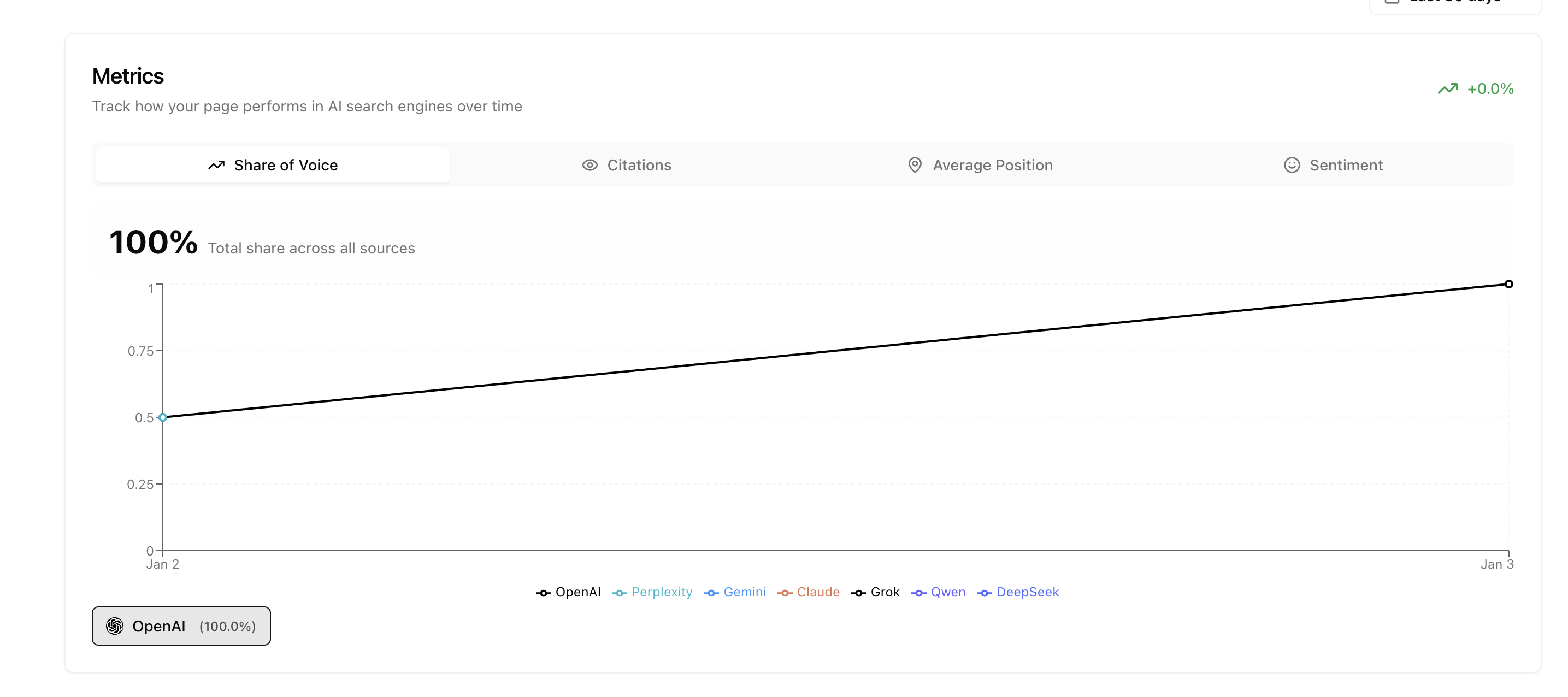
Step 3: Decide your optimization goal
At this point, you have two paths depending on what you want to achieve:Path A: Show up as much as possible
If your goal is maximum visibility regardless of specific prompts, use the one-click optimization tools. Go to the Content tab and click the wand icons next to your title, meta description, and content. These generate AI-optimized versions that maximize your chances of being cited.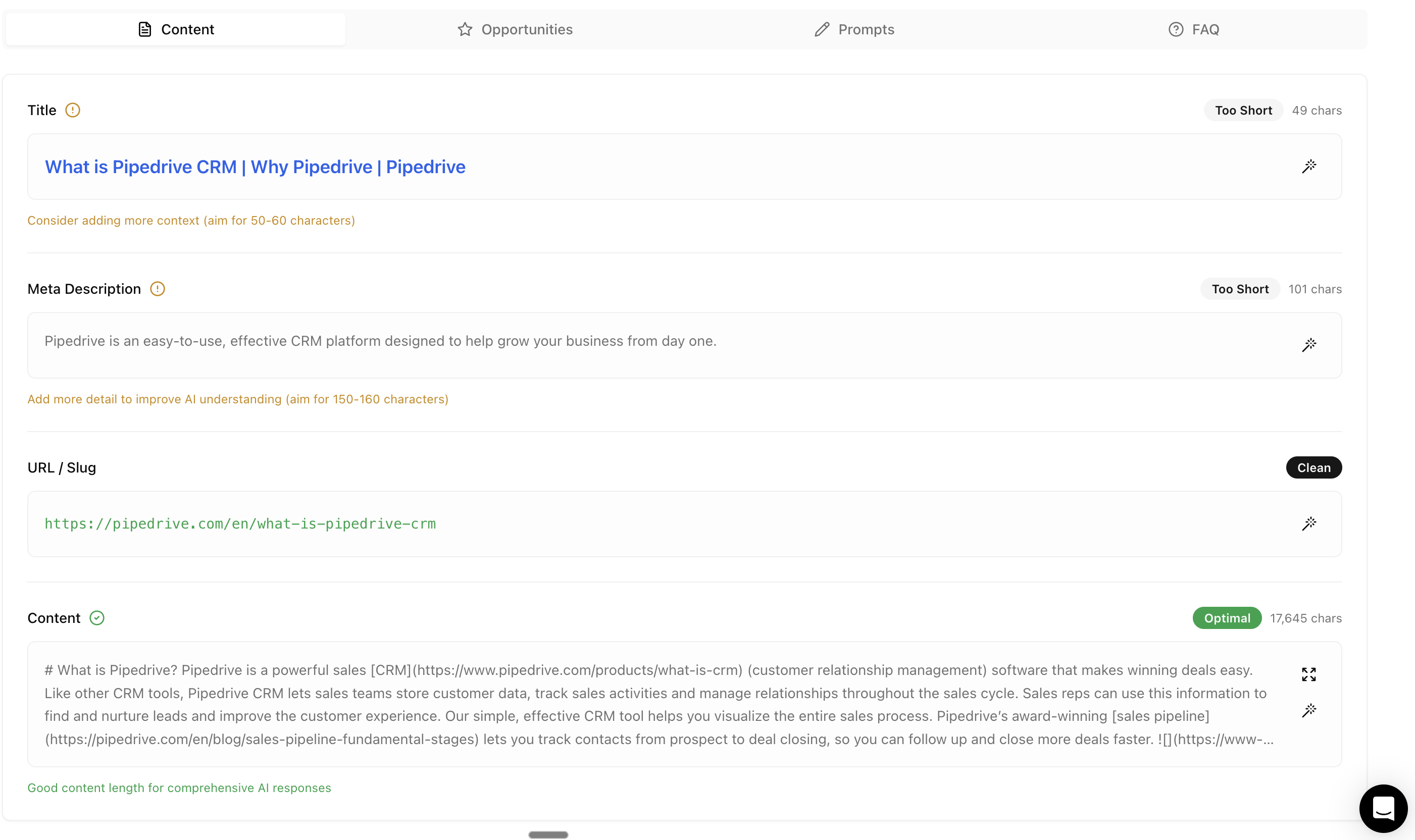
Copy the optimized content into your CMS and publish. This is the fastest path to more citations.
Path B: Show up for relevant prompts
If your goal is to appear for specific topics you’ve actually written about, enable Strategic Improvements.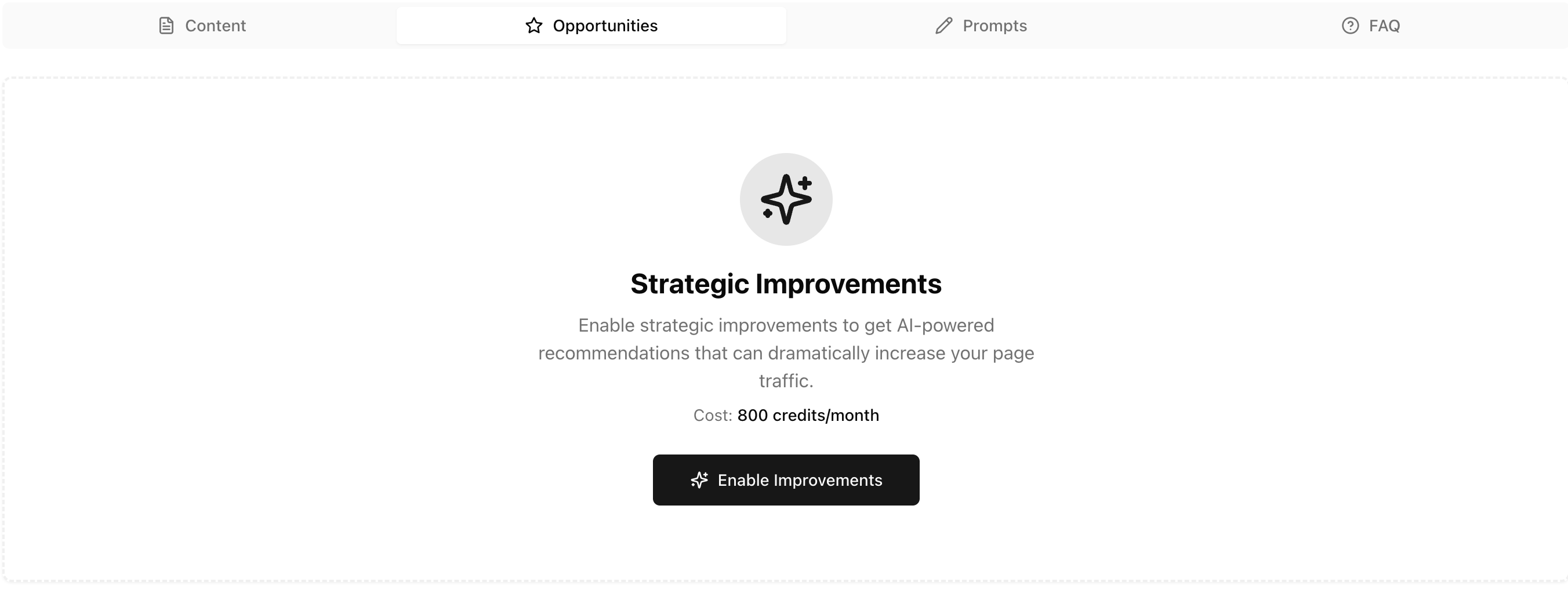
- Search AI platforms on your behalf
- Read your competitors’ pages
- Analyze why AI visits those pages instead of yours
- Identify which prompts you could be ranking for
- Tell you exactly what to fix
- “Write about this topic”
- “Remove this confusing section”
- “Add more detail here”
- “Structure this section differently”
Step 4: Content structure matters
A few principles for how your content is structured:Text over images
AI reads text far better than images. Make sure your key information is in actual text, not embedded in graphics or screenshots. Images are useful for:- Breaking up long content
- Showing UI examples
- Supporting (not replacing) text explanations
Structure based on your goal
How you structure content depends on what your page is about:Step 5: Expand with fan-out queries
Once your page is performing, expand your coverage by identifying related prompts and creating content around them.Find related prompts
Look at your page content and ask: what other prompts could this topic answer? Use the FAQ section to identify questions, then go deeper. Example: If your page is about “CRM for healthcare professionals”, related prompts might include:Create supporting pages
Use Studio to create dedicated content for each related prompt. Don’t try to cover everything on one page - create focused pages that go deep on specific topics. Each new page becomes another opportunity to be cited. The more relevant content you have, the more prompts you can appear in.Create in Studio
Build new pages optimized for specific prompts
Step 6: Internal linking
Your pages work together. Internal linking helps search engines and AI discover all your content.Why internal links matter
When Google or other search engines index your site, they follow internal links to discover pages. If a page has no links pointing to it, it may never get indexed - and AI won’t find it either. Good internal linking:- Helps new pages get discovered faster
- Passes authority from high-performing pages to new ones
- Creates topic clusters that signal expertise
How to structure internal links
Example: Your “CRM for healthcare” main page should link to:
- “HIPAA compliant CRM” page
- “Patient data management” page
- “EHR integration guide”
The compound effect
When you create supporting content and link it properly:- Each page can rank for its own prompts
- Internal links help all pages get indexed
- Your overall topical authority increases
- AI sees you as a comprehensive source on the topic
Step 7: Build external signals
Some improvements require manual effort outside your website. This is the hardest step, but it compounds over time.Check what sources are being cited
Go to the Prompts tab to see which prompts cite your page. Click into individual prompts and look at what other sources are being referenced alongside you.Build backlinks
When you see authoritative sources consistently appearing in AI responses, you need to be mentioned there too. This means:- Manual outreach to review sites
- Getting coverage in industry publications
- Building genuine presence in communities
- Creating content others want to reference
The winning checklist
1
Check your scores
Technical, GEO, and Content scores should all be solid before optimizing content.
2
Verify you're showing up
Check the Metrics tab. If citations are zero, fix your scores first.
3
Choose your path
Quick optimization (wand icons) for maximum visibility, or Enable Improvements for targeted prompts.
4
Structure your content
Text over images, structure based on page type.
5
Expand with fan-out queries
Identify related prompts and create dedicated pages for each using Studio.
6
Internal link everything
Connect your pages so search engines and AI discover all your content.
7
Build external signals
Look at what sources appear alongside you. Build presence where needed.
Next steps
Page Results
Review your page performance in detail
Studio
Edit and optimize your content