

Locations
Set the default geographic regions for your tracking.
Example
If you set United States and France as your default locations:- New prompts will automatically track these two countries
- You skip the location selection step when creating prompts
- You can still override these defaults on individual prompts if needed
Models
Choose which AI models to track by default.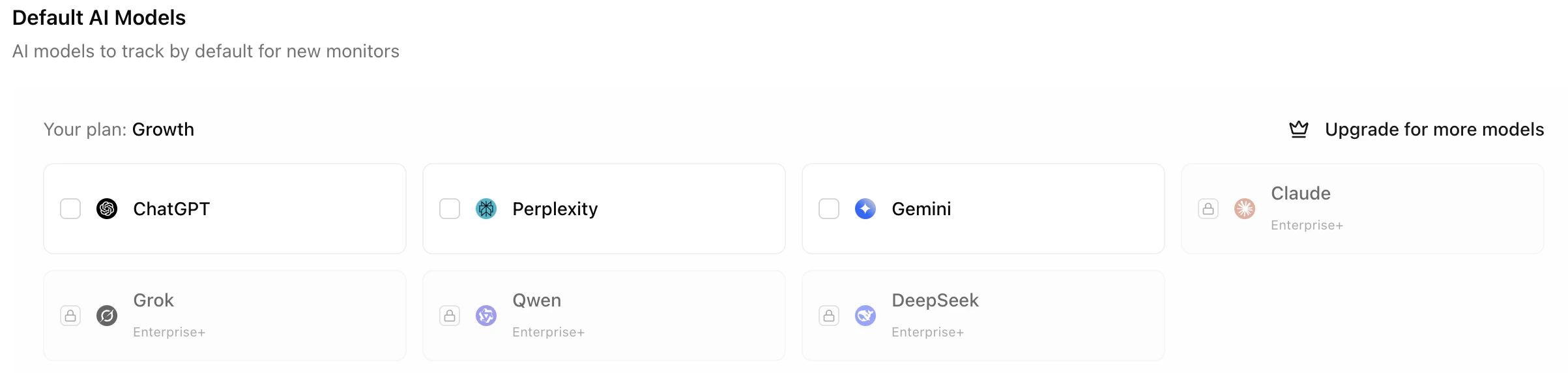
Why limit models?
If your plan includes ChatGPT, Perplexity, Gemini, and Claude, but you only care about ChatGPT and Gemini, set only these two as defaults:Example
A B2B company might focus only on ChatGPT and Perplexity because their audience primarily uses these tools for research. They disable Gemini and Claude tracking to streamline their analytics.Improvement Suggestions
Control whether AI-powered improvement suggestions are enabled by default for new prompts and pages.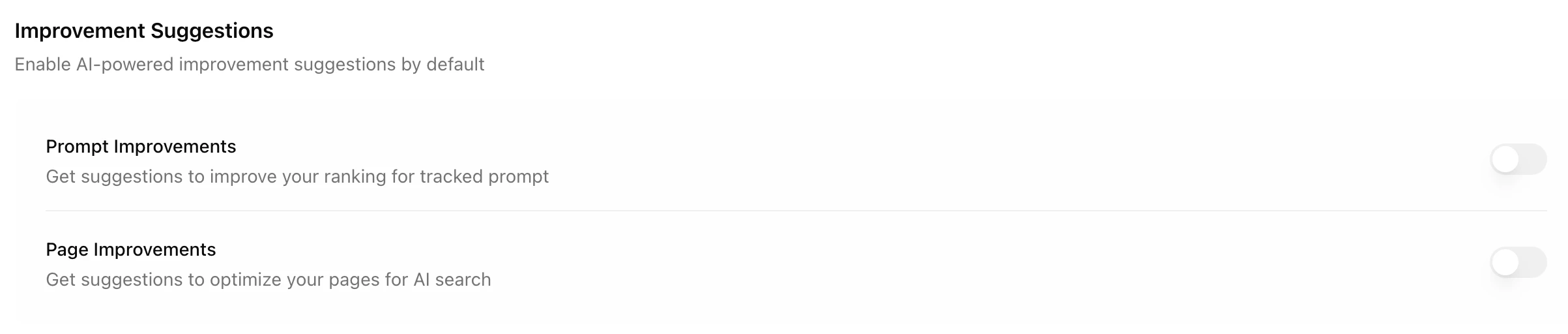
Credit costs
Why they’re off by default
Both options are disabled by default to:- Save you money — Credits are only used when you need suggestions
- Reduce noise — Not every prompt or page needs active improvement recommendations
When to enable
Consider enabling improvement suggestions when:- You want actionable recommendations for specific prompts
- You’re actively optimizing a page for AI visibility
- You have credits to spare and want comprehensive insights
You can always toggle improvement suggestions on for specific prompts or pages. The defaults just control the initial state for new items.