

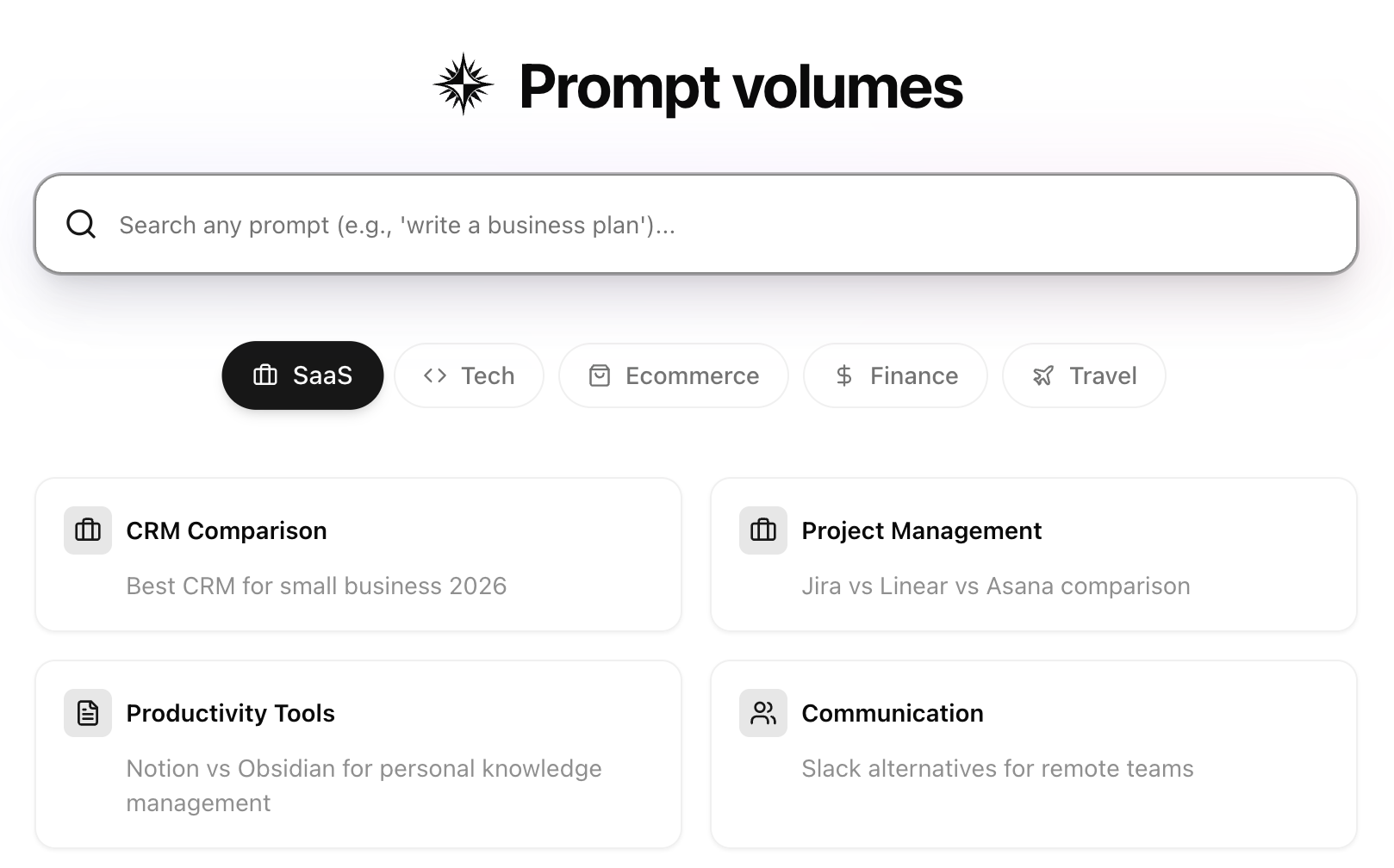
Searching for prompts
Use the search bar to look up any prompt and see its volume across AI platforms. You can search for specific queries like “write a business plan” or browse by category.Categories
Browse prompts by industry category:- SaaS — Software and business tool comparisons
- Tech — Technology and development topics
- Ecommerce — Shopping and product queries
- Finance — Financial planning and investment questions
- Travel — Travel planning and destination queries
Understanding the details page
When you select a prompt, you’ll see detailed volume data and trends.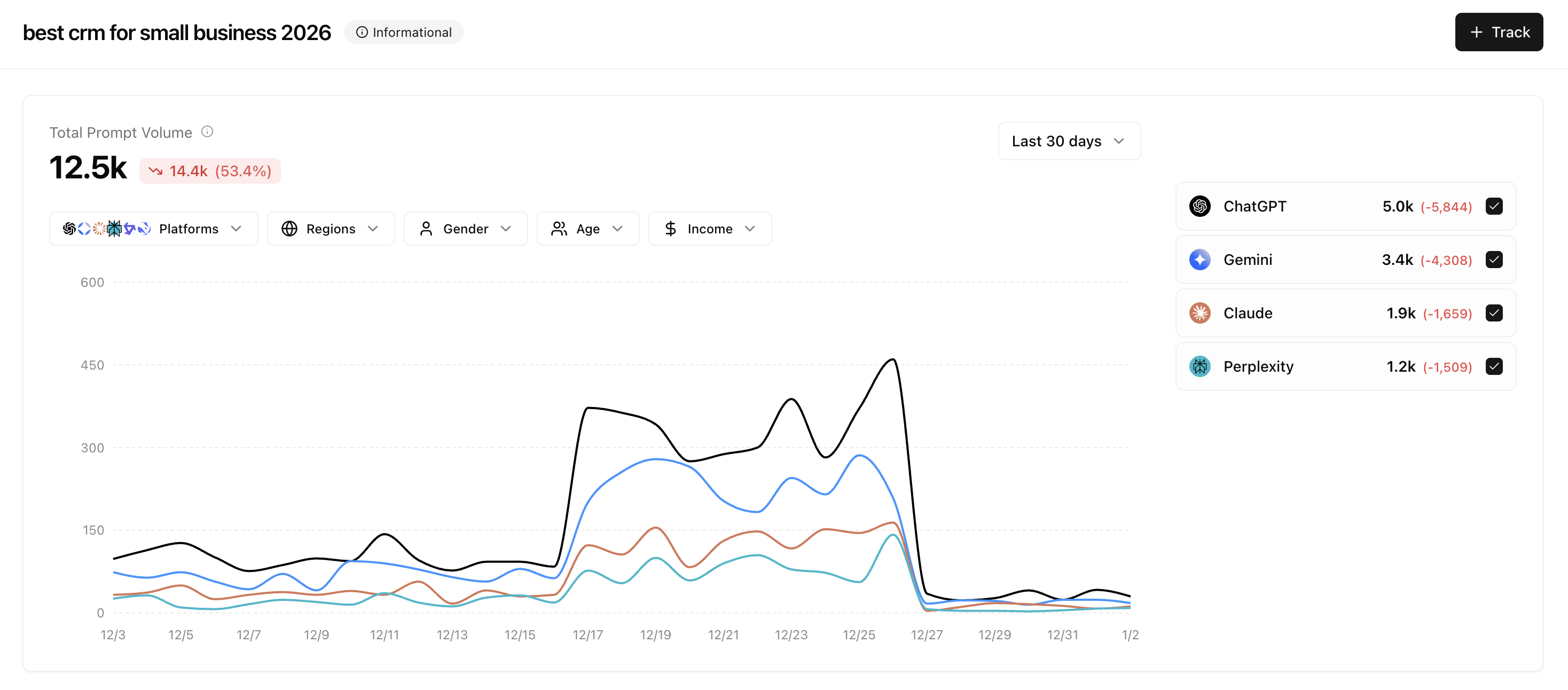
- Total Prompt Volume — The aggregate number of prompts across all platforms
- Change indicator — How volume has changed compared to the previous period
- Platform breakdown — Individual volumes for ChatGPT, Gemini, Claude, Perplexity, Copilot, and other platforms
Filtering your data
Use the filter bar to narrow down prompt volume data to specific segments.Platforms
Filter by specific AI platforms to see where users are asking questions.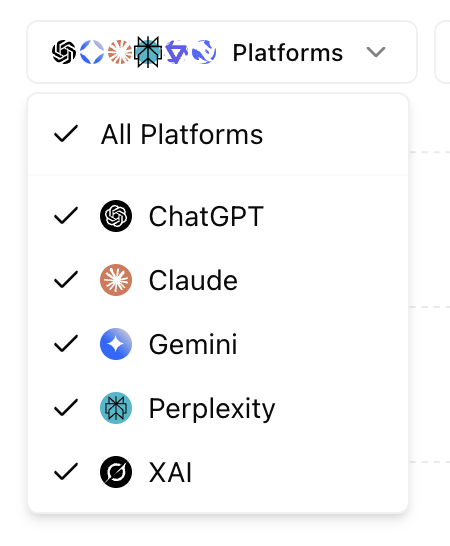
Regions
Filter by geographic region to understand regional search behavior.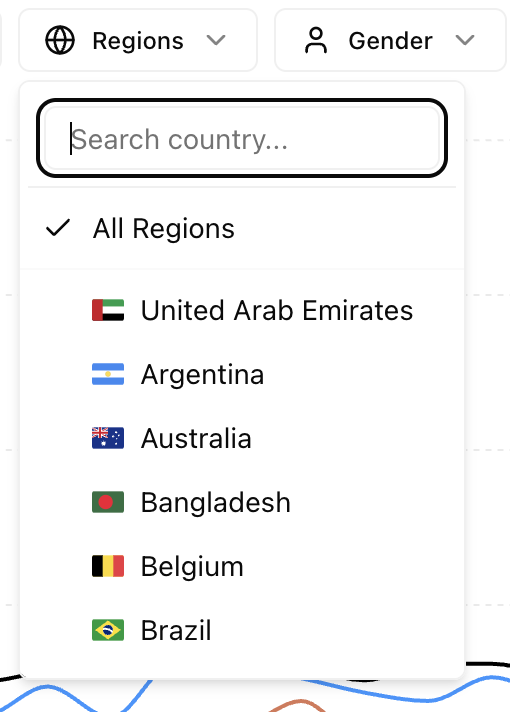
Demographics
Filter by demographic segments to understand your audience better:Gender
All Genders, Female, Male, Other
Age
18-24, 25-34, 35-44, 45-54, 55-64, 65+
Income
25k-50k, $50k-75k, and more
Reading the chart
The volume chart visualizes prompt trends over your selected time period.Understanding the lines
Each colored line represents a different AI platform:- Black line — Typically represents ChatGPT (highest volume)
- Blue line — Gemini
- Orange line — Claude
- Teal line — Perplexity
Analyzing trends
When reading the chart, look for:- Spikes — Sudden increases may indicate trending topics or seasonal interest
- Dips — Decreases around holidays or events (e.g., the drop around Dec 25-27)
- Platform divergence — When one platform trends differently, it may indicate platform-specific behavior
- Overall trajectory — Is volume growing, stable, or declining over time?
The legend on the right shows exact volumes for each platform along with the change from the previous period.
Next steps
Sources
Understand where AI models get their information
Mentions
Track brand and competitor mentions