

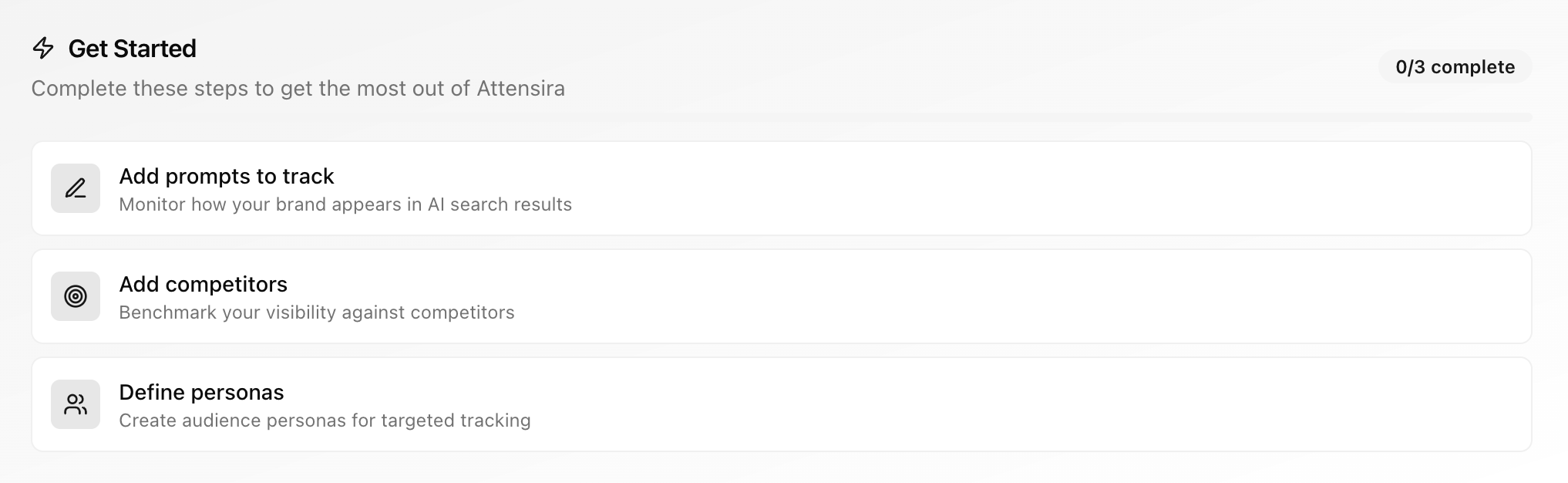
1
Add prompts to track
Prompts are the questions that real users ask AI tools about your industry. Unlike traditional keywords, these are conversational queries. Adding prompts unlocks your AI visibility data.Good prompts look like: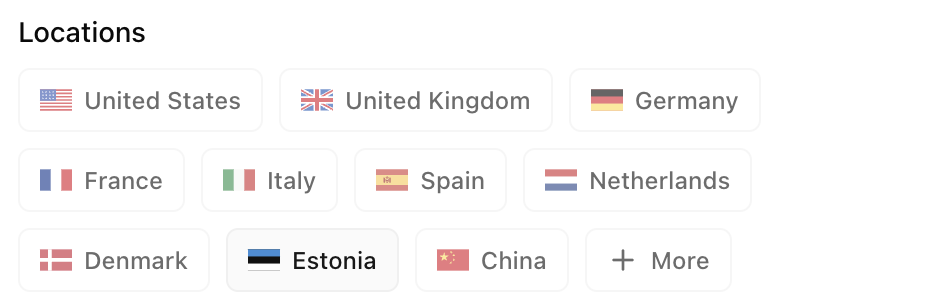

- “What’s the best project management tool for remote teams?”
- “Which CRM should a 20-person agency use?”
- “What are the top alternatives to [Competitor Name]?”
Configure locations
Location significantly impacts AI responses. A prompt like “best spa near me” returns completely different recommendations in the US vs the UK. When adding prompts, expand Configure locations to select which locations to track.Default locations and AI models are pulled from your settings to speed up prompt creation. Configure these in Settings → Defaults.
Enable improvements
By default, Attensira tracks where you show up. To get actionable optimization suggestions, enable Improve AI Visibility on your prompts.2
Add competitors
Adding competitors lets you benchmark your metrics and track progress over time. Without competitors, your metrics exist in a vacuum — with them, you can see how you stack up.Track all 4 metrics against competitors: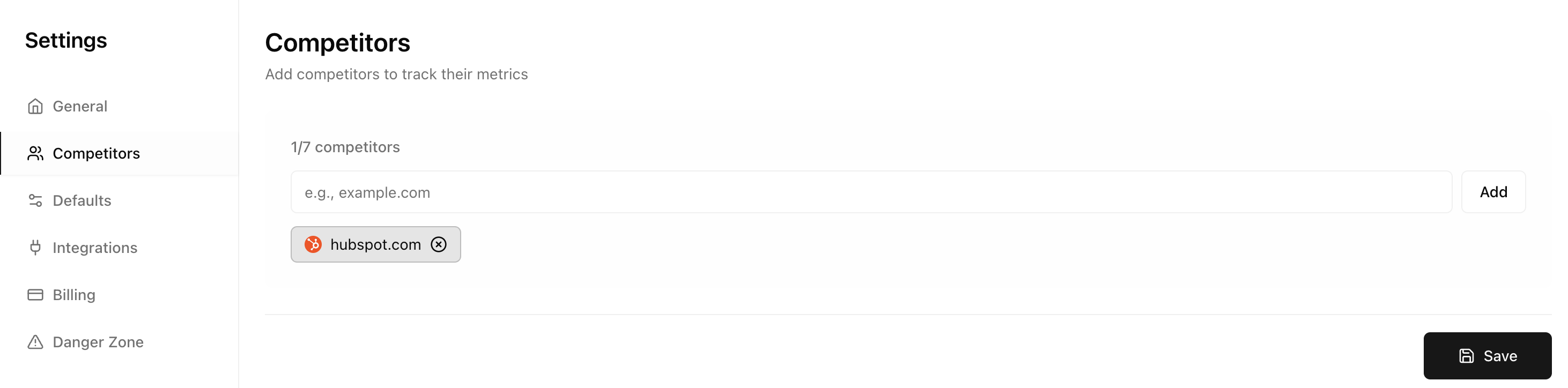
- Citations — Compare how often your pages vs. competitor pages are cited
- Share of Voice — See your market share compared to competitors (e.g., “You have 32% vs. Competitor A’s 28%”)
- Position — Compare your ranking when mentioned alongside competitors
- Sentiment — See how AI describes you vs. competitors
- Source analysis — See which pages competitors are getting cited from, helping you identify content opportunities
- Gap identification — Find prompts where competitors appear but you don’t
- Smarter optimization — We won’t suggest collaborating with or linking to your competitors
3
Define personas
Personas are the people searching for your product. If you’re selling a CRM, your personas might be “Startup Founder” or “Enterprise IT Manager” — each asks questions differently and gets different AI responses.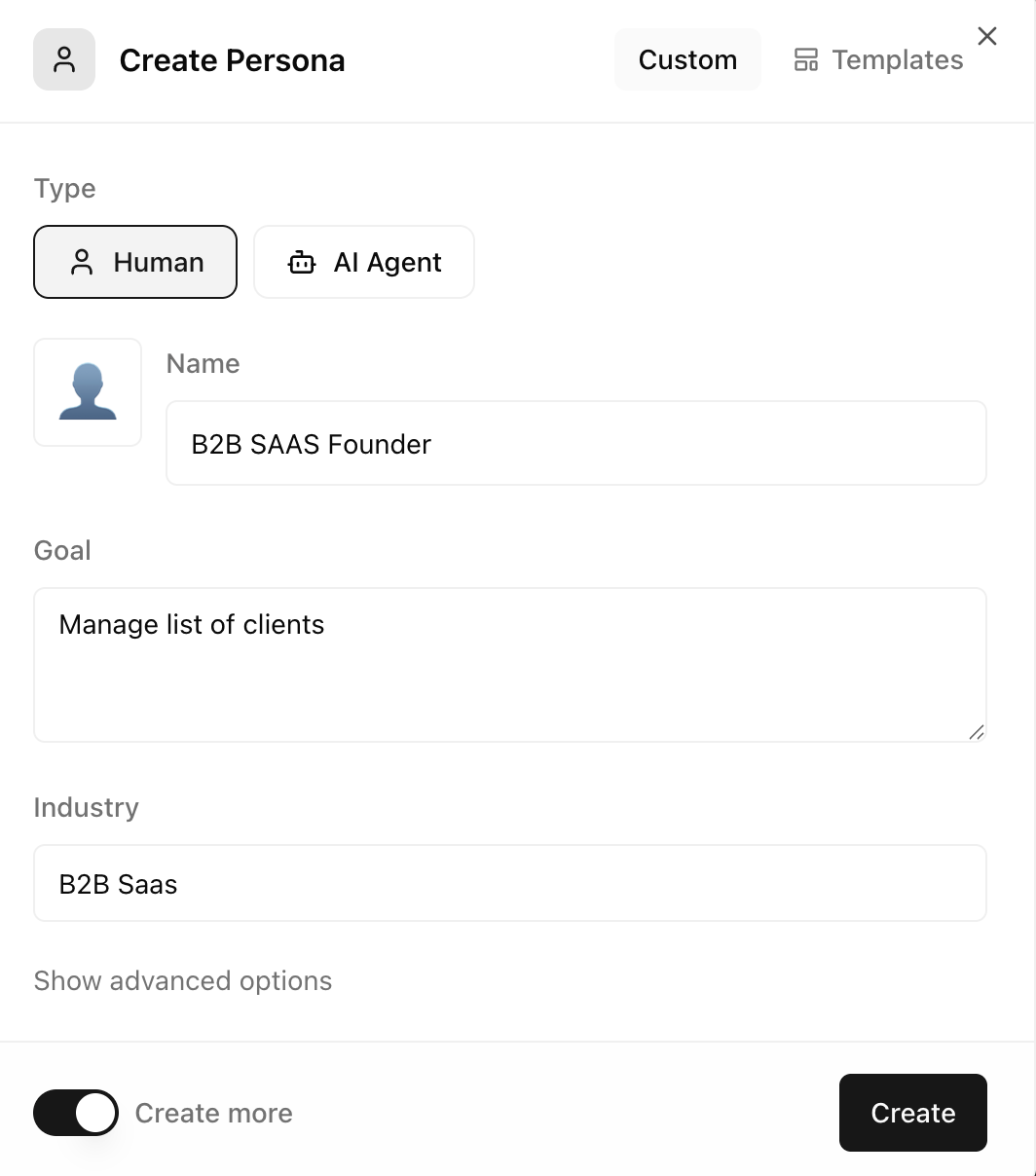
- Better improvements — We tailor optimization suggestions to each persona’s needs
- Smarter suggestions — Prompt suggestions become more relevant to your audience
- Organized prompts — Group prompts by the persona they’re targeting
Learn more about configuring personas in Working with Personas.
Your first results
Once you’ve added a prompt, you’ll see results within 24 hours. Here’s what a single prompt result looks like: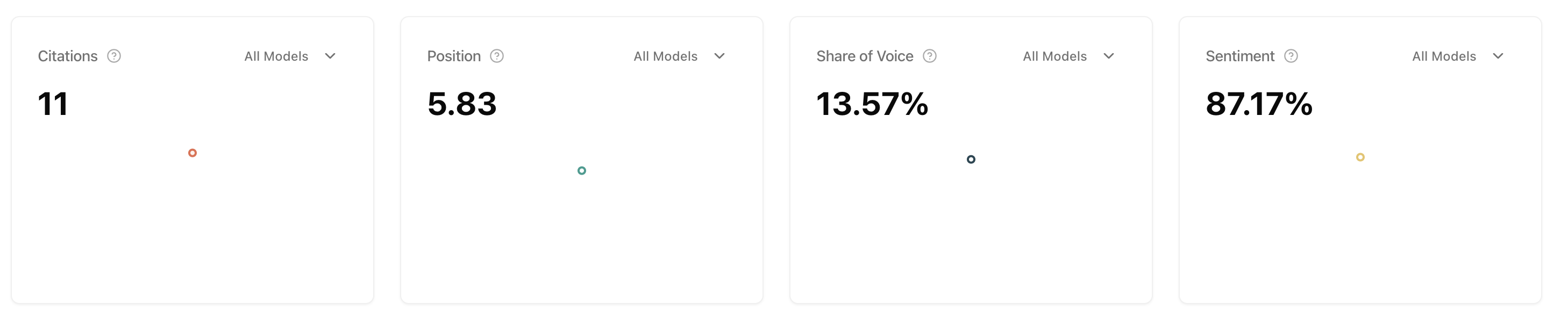
- The AI response — What the AI actually said
- Your visibility — Whether you were mentioned and in what position
- Competitors mentioned — Who else appeared in the response
- Sources cited — Which pages the AI referenced
Understanding your metrics
You’ll always see your four core metrics on the homepage:
Share of Voice
Your market share in AI conversations — the most important metric to optimize for. Share of Voice tells you how often you’re mentioned compared to other pages. If you’re a CRM company like Pipedrive, “competitors” here doesn’t just mean HubSpot — it means any page the AI pulls answers from, including Wikipedia, review sites, and blogs. If AI gets its answers from those pages instead of yours, you’re not controlling the narrative.Citations
How often your pages are cited as sources. When AI references your content directly, that’s a citation. More citations means AI trusts your content and uses it to form answers. Track which of your pages get cited most — these are your strongest assets.Avg Position
Where you rank when mentioned. Position 1-2 means you’re a top recommendation. Position 3+ means you’re an afterthought. When AI lists options, being mentioned first matters — users often go with the first recommendation.Sentiment
How positively AI describes your brand (0-100). AI doesn’t just mention you — it describes you. Sentiment is scored 0-100:- 70-100 — Positive (“highly recommended”, “excellent choice”)
- 50-69 — Neutral (“one option is…”, factual mentions)
- 0-49 — Negative (“has limitations”, “users complain about…”)
For detailed breakdowns and trends over time, go to Metrics in the app.
What to do with your results
Based on what you see, here’s how to take action:If you're not appearing for a prompt
If you're not appearing for a prompt
This is a visibility gap. Check which competitors appear instead, then:
- Review their cited sources to understand what content ranks
- Create or improve content that directly addresses the prompt
- Ensure your pages are crawlable by AI bots
If your position is low (3+)
If your position is low (3+)
You’re mentioned but not recommended first. To improve:
- Look at what the #1 position competitor is doing differently
- Check if your content is comprehensive enough for the query
- Add more specific, authoritative information to relevant pages
If your sentiment is neutral or negative
If your sentiment is neutral or negative
AI is describing you without enthusiasm or with concerns. To fix:
- Review the actual AI responses to see the language used
- Address any criticisms or gaps in your product/content
- Strengthen social proof on your pages (reviews, testimonials, case studies)
Quick wins to try
Explore your Chats
Explore your Chats
View the actual AI responses for your prompts. See exactly what AI is saying about you and your competitors — word for word.
Check Page Details
Check Page Details
See which of your pages are being cited (or not). This shows you exactly where to focus your content improvements.
Ask Copilot
Ask Copilot
Not sure what to focus on? Ask Copilot questions like:
- “What should I improve first?”
- “Why is my share of voice lower than [Competitor]?”
- “Which prompts am I losing?”
Add more prompts from suggestions
Add more prompts from suggestions
Accept more relevant suggestions to expand your visibility coverage. Focus on prompts where competitors are active.
Next steps
Understand the metrics
Deep dive into Citations, Share of Voice, Avg Position, and Sentiment
Master prompt setup
Learn advanced prompt strategies
Try Copilot
Get instant answers about your data
Explore Prompt Results
Find specific improvement opportunities