

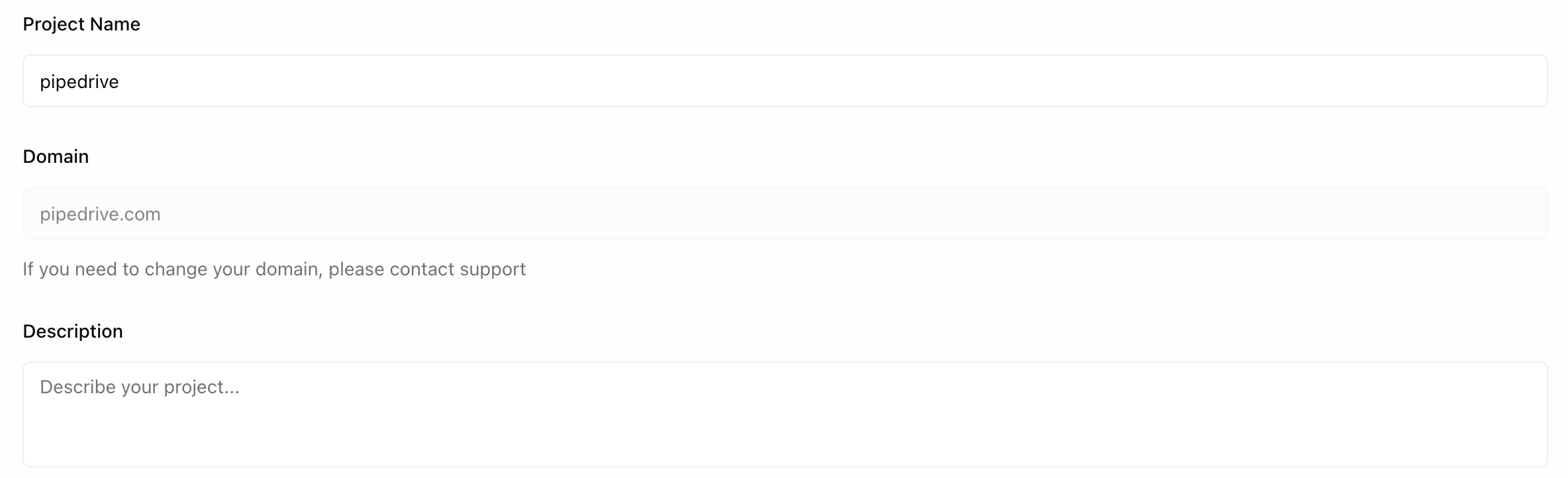
Display Name
The name of your project as it appears throughout the platform. This is how your project will be identified in the dashboard, notifications, and reports.Description
A description of what your brand is about. This field is important because it directly impacts model output and suggestions. When the AI generates recommendations or analyzes your visibility, it uses this description to understand your context.What to include
Be specific about:- Your industry — What space do you operate in?
- Target audience — Who are your customers?
- Value proposition — What makes you different?
- Products or services — What do you offer?
Examples
- Good
- Too vague
“Attio is a CRM platform built for modern teams. We help startups and scale-ups manage customer relationships with a flexible, data-driven approach. Our target customers are founders, sales leaders, and revenue teams at B2B SaaS companies.”