

Beta Feature — Copilot is currently in beta. Features and capabilities may change as we continue to improve the experience.
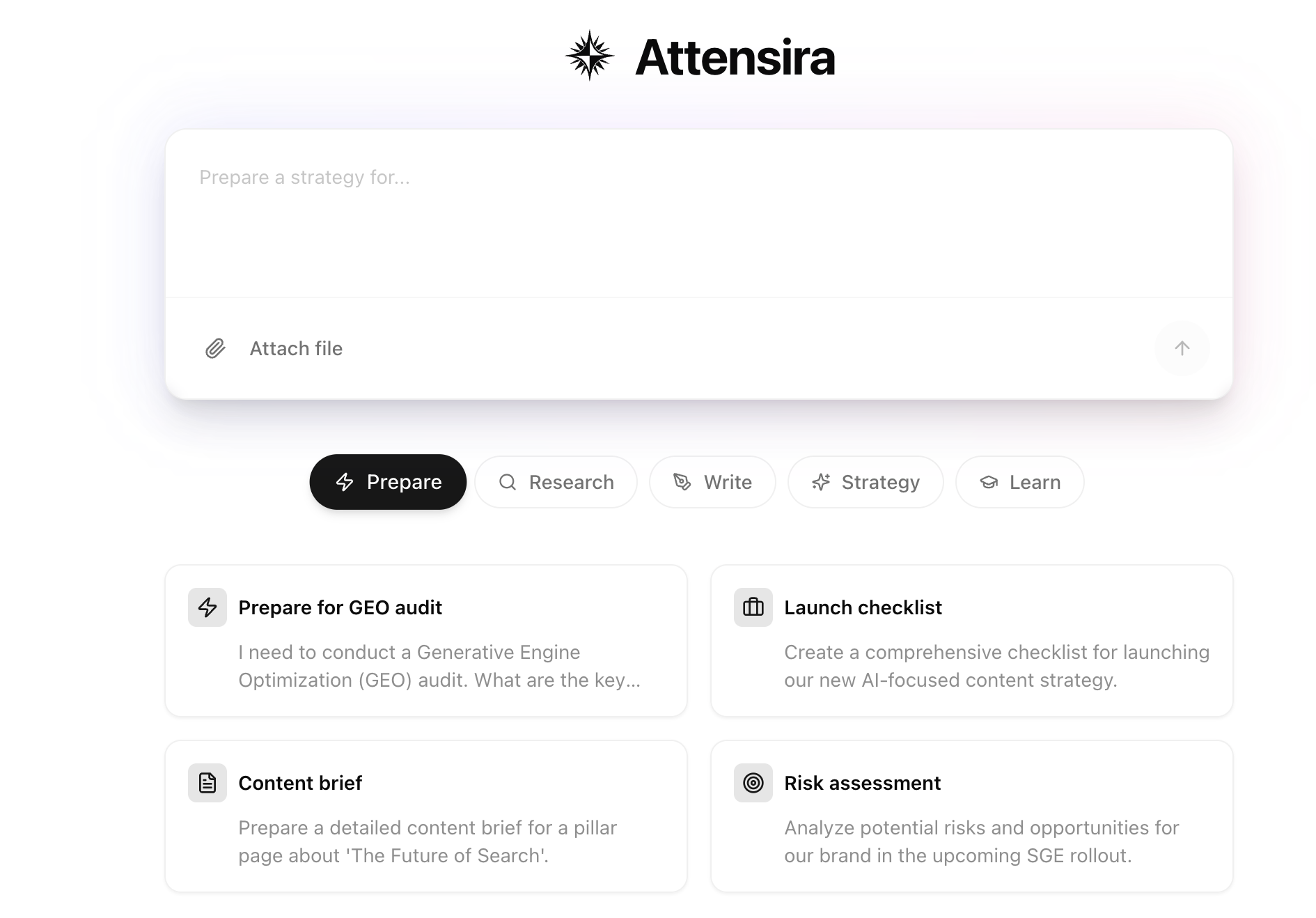
What can Copilot do?
Think of Copilot as a marketing teammate who knows your brand, understands your data, and can help with almost any content or research task.Create content
Generate blog posts, LinkedIn content, ad copy, email drafts, and more
Get feedback
Ask if titles work, if content will perform, or how to improve copy
Analyze your data
Ask about prompt volumes, visibility metrics, and competitor performance
Research the web
Crawl web pages, analyze competitor content, and gather insights
Review files
Upload documents and images for analysis and feedback
Generate content
Get formatted text output ready to copy and use anywhere
Use cases
Content creation
Create any type of marketing content on the fly:Content feedback
Not sure if something works? Ask Copilot:Data questions
Ask about your visibility data without digging through dashboards:Research & web crawling
Copilot can visit web pages to help with research:Web crawling lets Copilot access public web pages in real-time for analysis and research.
File uploads
Upload documents or images to get feedback:- Documents — PDFs, Word docs, text files
- Images — Screenshots, graphics, competitor visuals
- Spreadsheets — Data files for analysis
Example workflow
Here’s how a typical session might look: You: “I need to write a LinkedIn post about our new AI visibility report” Copilot: Creates a draft post tailored to your brand voice You: “Make it shorter and more punchy” Copilot: Revises the post to be more concise You: “Does this look good for engagement?” Copilot: Provides feedback and suggestions You: “Perfect. Now create a Twitter thread version” Copilot: Adapts the content for Twitter formatConversation history
Copilot saves your conversations so you can revisit and continue them later.History
View, search, and continue past conversations
Getting started
Open Copilot from the sidebar or press⌘K (Mac) / Ctrl+K (Windows) from anywhere in the app.
What’s next for Copilot
We’re actively developing new capabilities:- Deeper data integration — More insights from your visibility data
- Team collaboration — Share conversations with teammates
- Workflow automation — Connect Copilot actions to other tools